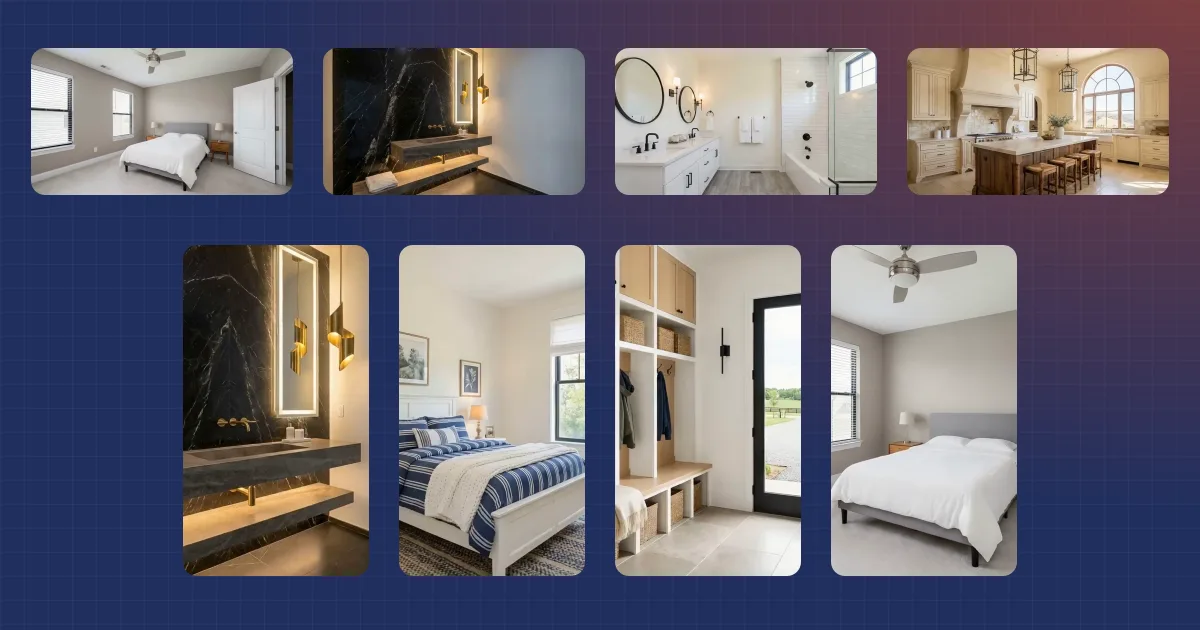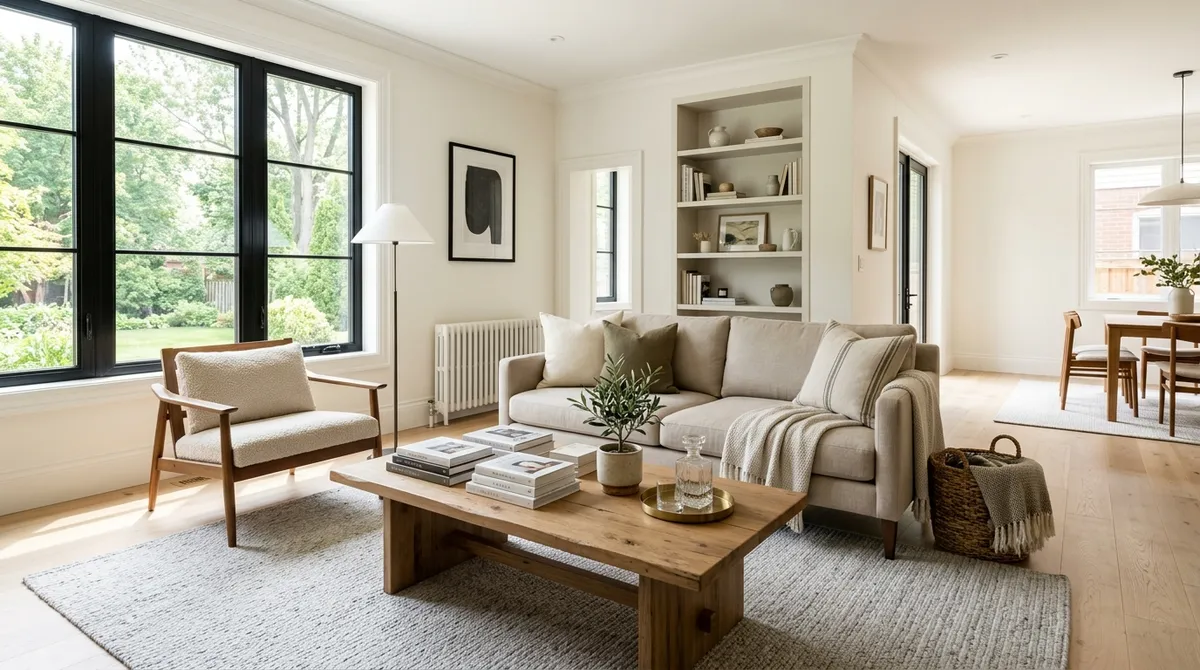
Empty rooms are hard to sell. Buyers walk into a vacant space and struggle to picture how their furniture fits, how big the room really is, or what the space could feel like lived in. Virtual staging solves that by furnishing the room digitally, from a single photo, in seconds.
This guide covers what virtual staging is, how to stage a house from photos, the styles available, what it costs, and the disclosure rules every agent needs to follow.
What is virtual staging?
Virtual staging uses AI to digitally furnish an empty room. Instead of renting physical furniture and scheduling a photographer, you upload a photo of a vacant room and the software adds realistic furniture, rugs, art, and decor styled to match the space. The output is a photo-ready listing image at a fraction of the cost and time of a traditional staging.
The difference from physical staging is speed and price. Physical staging can run thousands of dollars per property and take days to arrange. Virtual staging produces a furnished image in seconds, from photos you already have. The same speed makes it practical at scale, which is why property managers stage vacant units for leasing too, as we cover in our multifamily video marketing playbook.
How to virtually stage a house, step by step
The process is short:
- Photograph the empty room. A standard, well-lit listing photo is enough. Straight-on shots with the whole room in frame work best.
- Upload the photo. Drag the image into Reel Estate.
- Choose a style. Pick the look that fits the property and the buyer.
- Generate and review. The AI places furniture and decor into the room in seconds. Review the result and regenerate if you want a different arrangement.
- Download and disclose. Export the staged image, add it to your listing, and label it as virtually staged (more on that below).
Because the furniture is added by AI rather than rented and arranged, the cost per room drops sharply, which makes staging every listing realistic rather than a luxury reserved for high-end properties.
The staging styles
Reel Estate stages across 13 interior styles, so you can match the look to the home and the likely buyer. The range covers the most-requested looks:
- Modern for clean lines and contemporary listings.
- Farmhouse for warmth and a lived-in, welcoming feel.
- Minimalist for a calm, uncluttered look that emphasizes space.
- Midcentury for warm wood tones and timeless appeal.
- Japandi for a calm blend of Scandinavian and Japanese design.
Plus more styles to fit different properties and buyer demographics. Beyond furnishing, you can also apply twilight photo effects, winter, and holiday looks to exterior and ambiance shots, useful when the photos were taken in the wrong season or time of day.
Disclosure: stage honestly and label it
Virtual staging is a marketing tool, not a representation of the physical property, and it has to be treated that way. Most MLSs and many state real estate rules require that virtually staged photos be clearly labeled as "virtually staged," and the images must never hide or misrepresent the home's actual condition.
A few rules to keep you compliant:
- Always label virtually staged images as such, in the photo caption or an on-image marker, per your MLS.
- Never conceal defects. Do not use staging to paint over damage, stains, or condition issues.
- Add furniture, do not alter the structure. Staging should furnish a room, not move walls, windows, or hide problems.
- Check local rules. MLS and state requirements vary, so confirm what yours expects.
For the full picture, including California's AB 723 and what each state requires, see our guide to virtual staging and AI video disclosure rules.
Used honestly, virtual staging helps buyers see a room's potential. Used to mislead, it creates real liability. The line is disclosure. If you also produce listing videos, the same honesty standard applies, see our guide on how to turn listing photos into a real estate video for how staging and video fit together in a listing's marketing.
What virtual staging costs
The economics are the reason staging is moving from optional to standard. Physical staging is priced per room per month and often runs into the thousands for a full home. Virtual staging is priced per image or included in a software plan, which brings the per-room cost down far enough to stage every listing.
Reel Estate's free tier includes AI staging credits, so you can stage a real empty room and judge the quality before committing to a plan. For a closer look at the feature itself, see our post on AI staging in Reel Estate.
Start with one empty room
The fastest way to judge virtual staging is to run one vacant room through it. Upload the photo, pick a style, and compare the staged image to the empty original. The difference in how the space reads is usually obvious, and it is the same difference a buyer feels when they scroll past your listing.
You already have the photos. Staging them is the few seconds most listings still skip.
Frequently asked questions
- What is virtual staging for real estate?
- Virtual staging digitally furnishes an empty room from a photo. Instead of renting physical furniture and hiring a photographer, you upload a picture of a vacant room and AI adds realistic furniture, decor, and styling. The result is a photo-ready image that helps buyers picture the space without the cost of a physical staging.
- How do you virtually stage a house?
- Upload a photo of the empty room, choose a furniture style, and let the system place furniture, rugs, art, and decor into the image. With Reel Estate you can stage across 13 interior styles (modern, farmhouse, minimalist, midcentury, Japandi, and more) in seconds, then download the finished image for your listing.
- Is virtual staging allowed, and do I have to disclose it?
- Virtual staging is widely used and allowed, but most MLSs and many state rules require that virtually staged photos be labeled as such, and the images must not hide or misrepresent the property's actual condition. Always disclose virtual staging and never use it to conceal defects. Check your local MLS and state requirements.
- Is there a free way to try virtual staging?
- Yes. Reel Estate's free tier includes AI staging credits, so you can stage a real empty room and see the result before choosing a paid plan.

Cody DeBaun · Co-Founder & COO
Co-founder and COO of Reel Estate, focused on operations and the brokerage workflow.