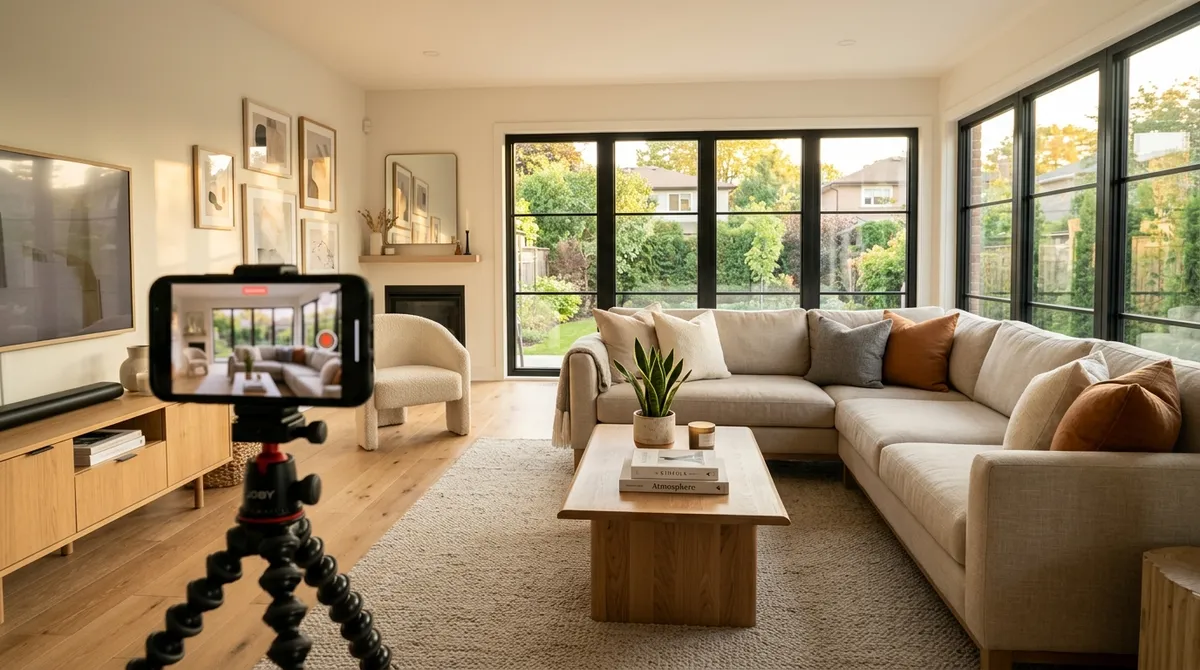
How to Turn Listing Photos into a Real Estate Video
You already have professional listing photos. Turning them into a video that plays on the MLS and stops the scroll on Instagram should not require a videographer, a tripod, or an afternoon learning editing software. It does not.
This guide covers two photos-to-video workflows that turn the images you already have into a finished real estate video: one you do yourself in about five minutes, and one where our team produces it for you. Both start from the same place, the images already sitting in your camera roll or your listing folder.
Why listing videos are worth the few minutes
Buyers start their search online, and a moving walkthrough holds attention in a feed far better than a single still image. Video gives a property a sense of flow and space that a photo grid cannot, and it gives the listing agent something to post across the MLS, social channels, and client emails from one piece of content.
The catch has always been production. Traditional listing video meant hiring a crew or learning to edit, which is why most agents skipped it. Building a real estate video from photos you already have removes that barrier: the asset you need is one you already created during the photo shoot.
What you need before you start
Just your listing photos. Standard interior and exterior shots from a normal photo shoot are enough. You do not need video clips, a gimbal, a drone, or any prior editing experience. Higher quality photos produce a better video, the same way they produce a better photo set, but no special capture process is required.
Option A: Do it yourself in about five minutes
If you want control and a fast turnaround, the self-serve editor is the route. The flow is short:
- Upload your listing photos. Drag in the images for the property.
- Let the system build the video. Reel Estate adds automated camera motion to each photo, panning and zooming so still images feel like a walkthrough, then sequences them with transitions.
- Pick your format. Choose landscape for the MLS and YouTube, or vertical for Reels, TikTok, and Shorts.
- Export. Download the finished video, ready to post.
Start to finish, this takes about five minutes. Because the camera motion is generated automatically, you are not keyframing anything by hand, you are reviewing and exporting. For a closer look at getting clean results, see our guide on how to create stunning real estate videos.
Option B: Hands-free with Do-It-For-Me
If you would rather not touch an editor at all, the Do-It-For-Me service hands the work to our team. You send the listing photos and a short note on tone, room order, and any branding preferences, and you receive a finished, professionally produced listing video within 24 hours. It is built for agents managing several listings a week who want the output without the production time. The full details are in our write-up on the Do-It-For-Me video service.
Choosing the right format for each channel
You create the video once and export the version each channel rewards:
- Landscape for the MLS and YouTube, where the player is horizontal.
- Vertical for Instagram Reels, TikTok, and YouTube Shorts, where full-screen vertical video gets the reach.
Posting the format that fits the platform matters more than most agents expect, a landscape video crammed into a vertical feed wastes most of the screen. For where listing video fits in a broader plan, see five ways to use video to sell your listings faster and the case for why video automation is reshaping listing marketing.
Beyond the basics: staging and photo effects
The same photos can do more than feed a video. Reel Estate also offers AI virtual staging across 13 interior styles (modern, farmhouse, minimalist, midcentury, Japandi, and more), plus twilight, winter, and holiday photo effects, useful when you want a vacant room furnished or an exterior shot warmed into golden hour. These are marketing assets for your listing's promotion, not representations of the physical property, so use them in the same spirit as professional staging photography. Our guide on virtual staging for real estate covers the styles and costs, and our AI video and virtual staging disclosure guide explains how to label staged photos and video so they stay MLS-compliant. For more on where this is heading, see how AI is revolutionizing real estate video marketing.
Start with one listing
The fastest way to see whether listing video earns its place in your marketing is to run one property through it. The free tier includes three full video exports, so you can turn a real listing into a finished video, post it, and judge the response before committing to a plan.
You already did the hard part when you took the photos. Turning them into a video is the easy five minutes that most of your competition still skips.
Frequently asked questions
- Can I make a real estate video from just listing photos?
- Yes. Reel Estate generates a video directly from the photos you already have. You upload the listing images, the system adds smooth camera motion and transitions, and you export a finished video. No video footage, camera crew, or editing software is required.
- How long does it take to turn photos into a video?
- Doing it yourself in the Reel Estate editor takes about five minutes from upload to export. If you use the Do-It-For-Me service instead, our team produces the video and delivers it within 24 hours.
- What video formats can I export for the MLS and social media?
- You can export both vertical and landscape versions. Landscape suits the MLS and YouTube, while vertical fits Instagram Reels, TikTok, and YouTube Shorts. You create the video once and export the format each channel needs.
- Is there a free way to try it?
- Yes. The free tier includes three full video exports plus AI staging credits, so you can turn a real listing into a finished video before deciding on a paid plan.

Jeff Goyette · Co-Founder & CTO
Co-founder and CTO of Reel Estate, building the AI video generation and staging product.