Multifamily Video Marketing: A Property Manager's Playbook
Vacancy drains net operating income fast. Every empty unit is lost rent you never recover. Static photos no longer close the gap, because they cannot show community scale or how a floor plan actually flows.
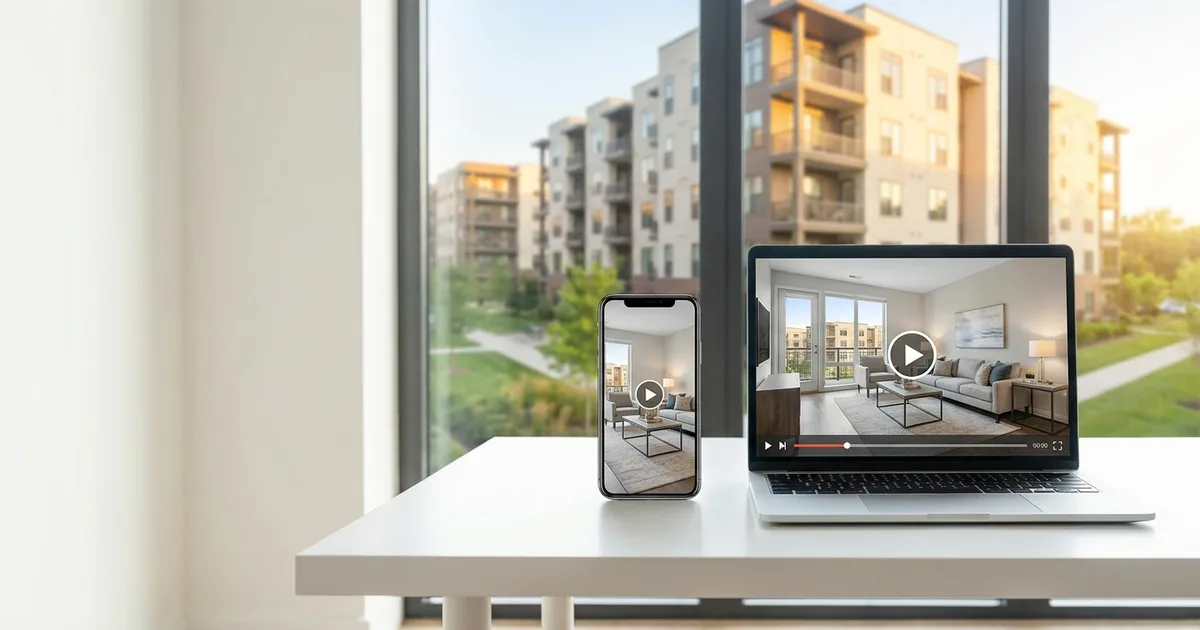
Multifamily video marketing fixes that. A short walkthrough shows a prospect the real layout, the light, and the space in a way photos cannot. It is the single best apartment marketing asset for leasing sight-unseen and cutting vacant days. This playbook covers where apartment video really works, how to shoot it on-site, and how to scale it.
Multifamily video baselines, at a glance
- Length: 60 to 90 seconds for a unit tour
- Format: native MP4
- Resolution: 1080p
- Framing: mobile-first, shot to read well on a phone
Why video moves apartment leases
Renters now expect visual proof before they tour. In Zillow's 2024 renter research, about 79% said at least one digital feature was essential when choosing a rental. Photos and floor plans lead, but a recorded video tour was essential to roughly 20% of renters, and a 3D tour to about 25% (Zillow, 2024). Video is a rising complement, not a replacement for good photos.
Adoption is climbing fast. Live video tour participation rose from 13% in 2022 to 20% in 2024, across a survey of more than 172,000 renters (NMHC and Grace Hill, 2024). Renters who cannot visit in person lean on video to decide.
The operational payoff is real. In a Greystar case study, communities using property and unit-level virtual tours saw about five fewer average days vacant and higher effective rent (LCP Media, 2025). Separately, communities using guided tour tools have reported a 63% higher visit-to-lease rate (RealPage, 2025). Both are vendor figures, so read them as directional, but the direction is clear: richer media leases units faster.
Where your apartment video actually goes
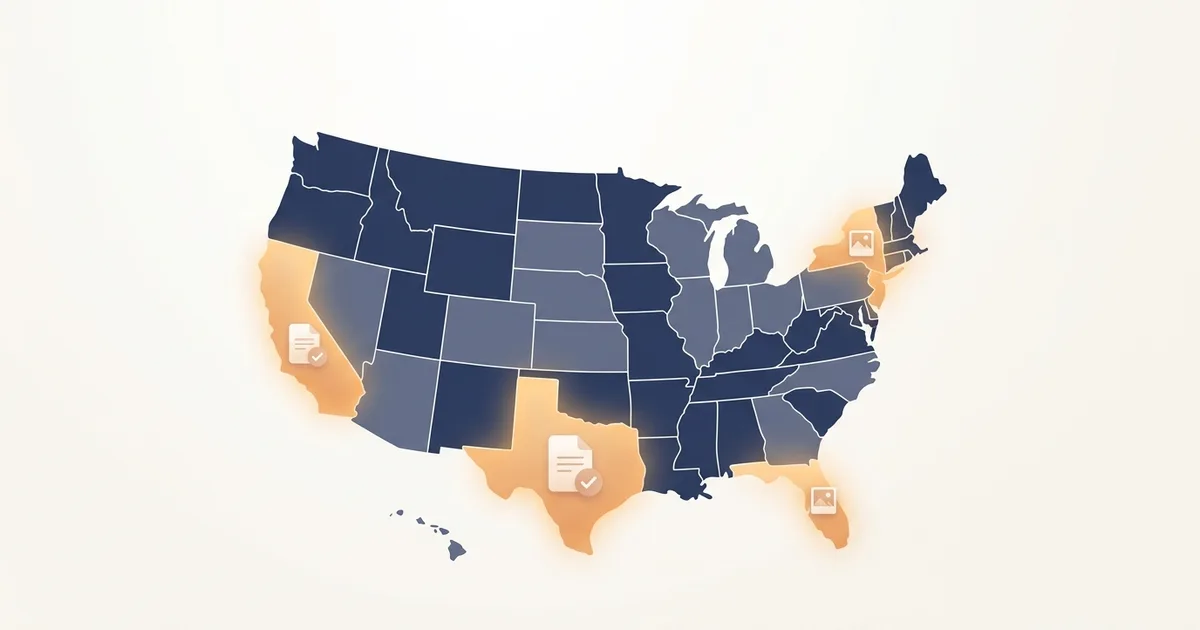
Here is the part most guides get wrong. Not every rental platform accepts a video file, so know the rules before you upload.
| Channel | Native video file? | What to do |
|---|---|---|
| Apartments.com (Premium) | Yes (MP4, under 1 GB, up to 6) | Upload the file directly |
| Zillow rentals | No | Add a YouTube link or a Zillow 3D Home tour |
| Your website and social | Yes | Embed the player and repurpose clips |
Apartments.com: native video upload
Apartments.com is where a real video file belongs. On a Premium listing, go to the Media tab, choose Upload Videos, and drag in your file (Apartments.com, 2026). The specs are straightforward:
- Formats: MP4, MOV, AVI, or WMV
- Size: under 1 GB
- Count: up to 6 videos per listing
- Length: about one to two minutes, horizontal 16:9
- Processing: allow up to 48 hours to display
Zillow rentals: link or 3D tour, not a video file
Zillow Rental Manager does not accept a native video file on a rental listing. This trips up a lot of teams. Zillow rentals support photos, Zillow 3D Home tours captured with the free app, and a virtual-tour link field. So publish your walkthrough to YouTube and paste the link, or capture a 3D Home tour. Do not waste time hunting for an upload button that is not there.
Social and your own site
Your native MP4 does its best work off the portals too. Post it to your community's social channels and embed it on your property website, where you control the player and the page.
Producing a high-converting apartment tour
You do not need a production crew. A trained leasing agent with a phone can shoot a clean tour in one pass.
Keep the kit simple:
- A 3-axis gimbal. Smooth motion is what separates a tour from a shaky clip.
- A wide-angle lens. Small units read larger and truer with a wide, low-distortion lens.
- A wireless mic. Crisp ambient audio matters if an agent narrates.
Shoot the walkthrough room by room, in the order a renter would move through the unit. Lead with the living area, then the kitchen, the primary bedroom, and the bathroom. Skip the lifestyle theater. Prospects find staged actors sipping coffee in the lobby fake, and a clean floor-plan walkthrough converts better.
A community tour is more than one unit, though. Capture the amenities that actually close leases: the pool, the fitness center, the co-working lounge, the dog park. Renters choose the property as much as the floor plan, so give the shared spaces their own short clips. Keep each one steady, bright, and honest, exactly like the unit tours.
For empty or mid-renovation units, use virtual staging for rental apartments. It adds realistic 3D furniture to your footage and photos, so a bare unit looks livable without the cost of physical staging. If you are starting from photos, you can even turn listing photos into a video and layer the tour on top. For clean results, see our guide on how to create stunning real estate videos.
Four mistakes that stall apartment video
Most underperforming programs share the same avoidable errors:
- Uploading heavy raw 4K files. Oversized files stall automated ingestion and break across syndication feeds. Export a clean 1080p MP4 instead.
- Using the wrong field. Pasting a video into a description box where the platform expects a tour link, as on Zillow rentals, produces broken text, not a player.
- Adding unlicensed music. Portals flag and remove videos with unverified audio. Use natural ambient sound or a royalty-free track you have rights to.
- Running long. A three-minute unit tour loses the renter. Keep it to 60 to 90 seconds and let the edit do the trimming.
Scale one shoot across every channel
The trick to multifamily digital marketing is reuse. One 90-second unit tour is really a dozen assets.
Cut the main tour into 15-second vertical loops for apartment social media marketing. One clip features the kitchen, another the amenity deck, another the closet space. Post the tour on Apartments.com, link it on Zillow, embed it on your site, and slice the rest for social. A single filming session then feeds your whole apartment marketing calendar for weeks.
Lease faster with better media
High vacancy is expensive, and static photos are no longer enough to fight it. A clean, honest apartment video tour shows renters the space, sets accurate expectations, and leases units faster, especially to prospects who never set foot on site. Build a repeatable system: shoot once, place it where it plays, and reuse it everywhere. Start with a real estate video workflow your leasing team can run on a phone.
Sources
- Zillow, Renters Consumer Housing Trends Report 2024, retrieved 2026-07-07, https://www.zillow.com/research/renters-housing-trends-report-2024-34387/
- NMHC and Grace Hill, Renter Preferences Survey Report 2024, retrieved 2026-07-07, https://www.nmhc.org/research-insight/research-report/nmhc-grace-hill-renter-preferences-survey-report/
- LCP Media, Greystar virtual tour case study, retrieved 2026-07-07, https://www.lcpmedia.com/blog/greystar-casestudy
- Apartments.com, How to take a great listing video with your phone, retrieved 2026-07-07, https://propertyhelp.apartments.com/article/553-how-to-take-a-great-listing-video-with-your-phone
Frequently asked questions
- What is the best length for an apartment video tour?
- Aim for 60 to 90 seconds. Show the main living area, the kitchen, the primary bedroom, and the bathroom quickly. Renters are deciding fast on a phone, so lead with the layout and the light, and cut anything that does not help them picture living there.
- Can you upload a video file directly to a Zillow rental listing?
- No. Zillow Rental Manager supports photos, Zillow 3D Home tours, and a virtual-tour link field, not a native video file. Publish your walkthrough to YouTube and paste the link, or capture a Zillow 3D Home tour. Upload the native video file where it plays inline, like Apartments.com and social.
- How does virtual staging for rental apartments work?
- Software adds realistic 3D furniture to photos or footage of an empty unit, so a vacant or mid-renovation apartment looks furnished and livable. It costs a fraction of moving physical furniture in and out, which makes it practical to stage every floor plan in a community.
- Is native video better than an external video link on a listing?
- When a platform supports it, yes. A native video plays inline in the listing, while a link makes the renter leave the page, which drops engagement. Where native upload is not supported, such as Zillow rentals, a 3D tour or a clean link is the right fallback.

Jeff Goyette · Co-Founder & CTO
Co-founder and CTO of Reel Estate, building the AI video generation and staging product.