How to Virtually Stage an Entire Listing, Not Just One Photo
Most virtual staging advice stops at a single image. You upload one empty room, pick a style, and download a furnished photo. That is a good first step, and our AI virtual staging tool does it in under a minute.
The problem shows up in the gallery. A buyer scrolling a listing sees one beautifully staged living room, then a second angle of the same room sitting empty. The mismatch reads as a trick, and it undercuts the trust the staged photo was meant to build. Staging a whole listing well means every photo pulls in the same direction.
Key takeaways
- One staged photo next to empty angles of the same room looks inconsistent and hurts trust.
- Multi-perspective staging keeps every angle of a room furnished the same way.
- Group edit applies one fix across a batch of photos in a single pass.
- The same editor handles exteriors, twilight, decluttering, and cleanup, not just interiors.
- Whatever you stage, disclose it and keep the original photo available.
What does staging a whole listing mean?
Staging a whole listing means treating the photo set as one deliverable, not a stack of separate edits. A listing usually has several shots of the same room, plus exteriors, and each one shapes how a buyer reads the property. When the staging is consistent across all of them, the home looks styled and move-in ready in every frame.
Consistency is the hard part. Traditional virtual staging tools work one image at a time, so a room shot from two angles gets furnished twice, often with different furniture. The fix is to stage by room and by batch, which is what the two features below are built for.
How do you keep every angle of a room consistent?
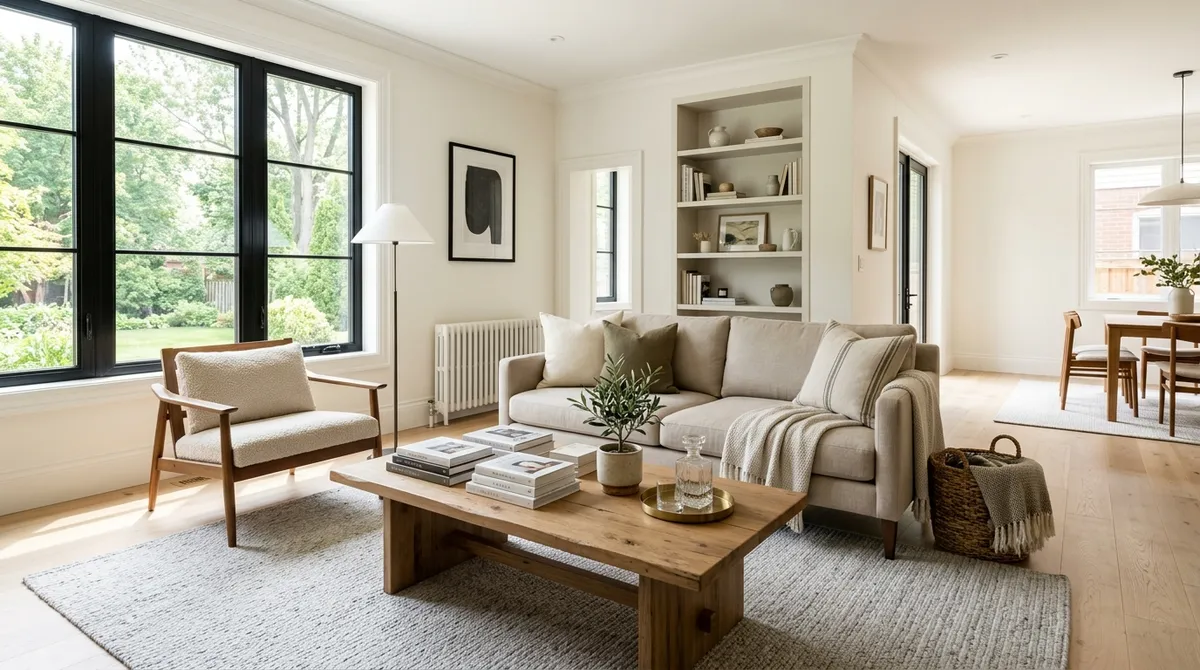
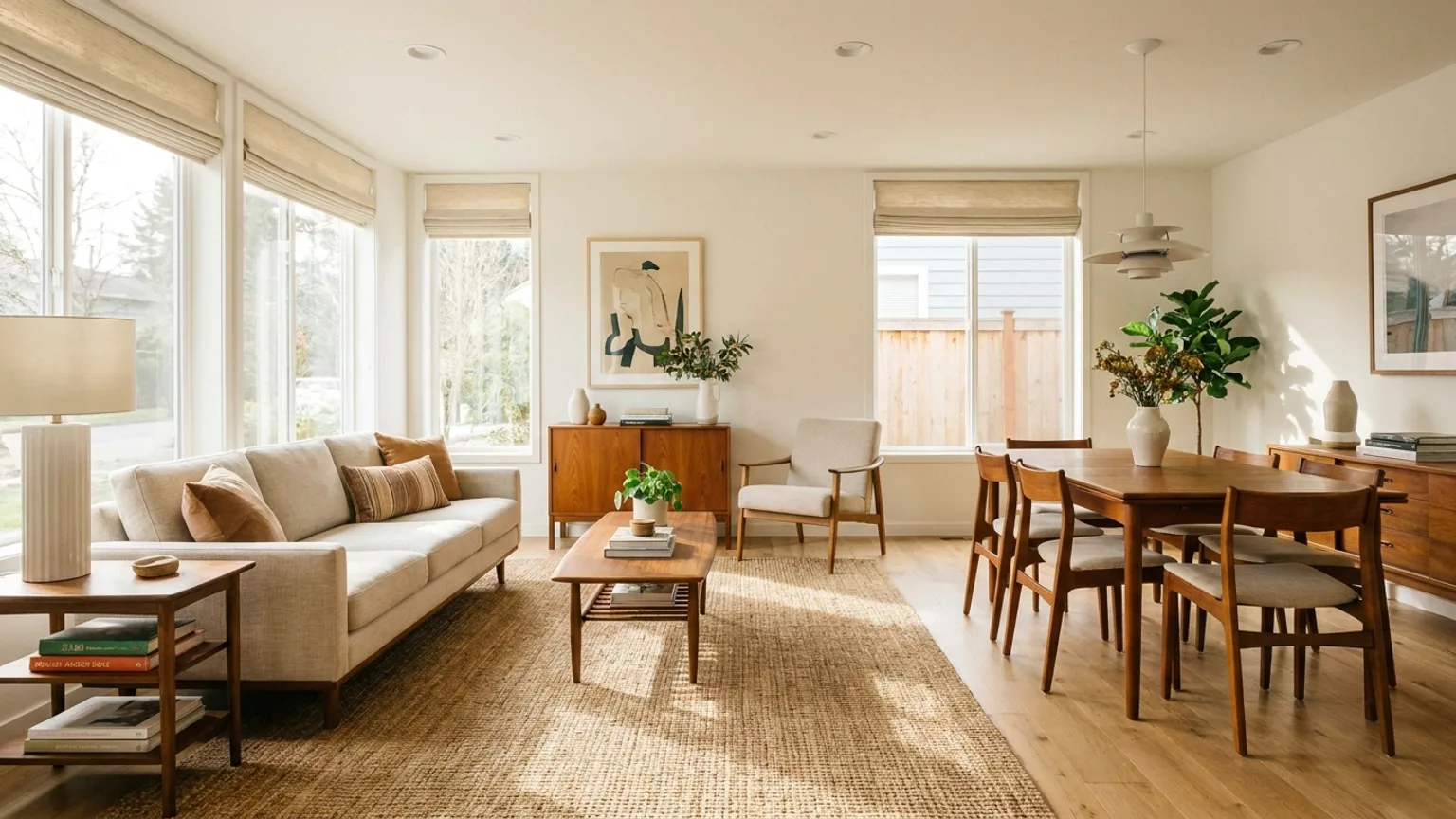
Multi-perspective staging is built for the matching-angles problem. You stage one photo of a room, and Reel Estate then aims to carry that same furnished look to the other angles of that room. The style, palette, and layout closely match from shot to shot, so two photos of one living room read as the same styled space rather than two unrelated edits.
This matters because rooms are rarely shot once. A living room might appear in three photos: a wide shot, a shot toward the windows, and a shot from the hallway. Stage them independently and you can get three different sofas. Stage them as one room and the space holds together, which is what a buyer expects from a real listing. In our own listings, the match holds best when you furnish the widest, best-lit angle first, then propagate from there.
For the fundamentals of staging a single room first, our guide to virtual staging for real estate walks through the basics of furnishing an empty space from a photo.
How do you edit a whole batch of photos at once?
Group edit applies one effect to a group of photos in a single pass, with each photo edited on its own. There is no shared room to match here. Instead, you pick one treatment and run it across the whole set, which is ideal for fixes that repeat across a listing.
Common uses are the tedious ones. You can replace a flat gray sky on every exterior shot, declutter a run of rooms, or clean up several photos at once. Each image is processed independently, so a busy kitchen and a bare bedroom each get the right result, without you repeating the same clicks a dozen times.
The difference from multi-perspective staging is simple. Multi-perspective keeps one room consistent across its angles. Group edit applies one change across many different photos. Most full listings use both.
| Feature | What it does | Best for |
|---|---|---|
| Multi-perspective staging | Keeps one room consistent across its angles | Several shots of the same room |
| Group edit | Applies one effect across many different photos | Sky swaps, decluttering, or cleanup across a set |
How do you match the style to the home?
The style should fit the property and the likely buyer, not just your personal taste. Reel Estate stages across 13 interior styles, including modern, farmhouse, minimalist, midcentury, Japandi, and Scandinavian. A downtown condo and a suburban family home call for different looks, and the staged photos should reflect that.
Picking one style and using it across the listing keeps the home coherent. A modern living room paired with a farmhouse bedroom sends mixed signals. Choosing a single direction, then staging every room in it, is part of what makes a gallery feel intentional. For more on styling choices that convert, see our notes on AI staging for property listings.
Can you virtually stage with your own furniture?
Yes, on paid plans you can stage with furniture you upload yourself. You add photos of specific pieces, then use them to furnish a room, rather than relying only on stock furniture sets. The staged result is guided by your reference pieces, so it approximates the look of furniture you actually chose.
This helps in two situations. First, when a seller already owns furniture and you want the staged photos to resemble the real space. Second, when you stage many listings and want a repeatable, recognizable style. Uploading your own pieces gives you a library to pull from across properties.
What about exteriors and cleanup?
Interiors are only half of a listing. The same editor stages exterior spaces like patios, decks, and yards, so an empty backyard can show outdoor seating and greenery. It also handles the cleanup work that makes photos listing-ready: decluttering rooms, removing stray objects and parked vehicles, refreshing a patchy lawn, and cleaning up pool water.
Lighting and seasons matter too. You can add virtual twilight to an exterior for a warm dusk look, or apply seasonal and holiday treatments so a listing feels current year-round. Our guide to twilight photos and AI staging covers when that dusk look helps most. All of these run in the same place, which is why staging a full listing does not mean juggling separate tools.
A workflow for staging a full listing
Here is a repeatable order that keeps a whole listing consistent:
- Sort the photos by room. Group every angle of the living room together, the primary bedroom together, and so on. This is what makes multi-perspective staging possible.
- Stage each room once, then propagate. Furnish the best angle of a room, then carry that look to its other angles so the space matches across shots.
- Choose one style and hold it. Use a single interior style across the interior rooms so the gallery reads as one home.
- Batch the shared fixes. Use group edit for sky replacement, decluttering, or cleanup that repeats across the set.
- Stage the exteriors. Furnish patios and yards, add twilight where it helps, and clean up the lawn.
- Review, export, and disclose. Check each image, download the set, and label the staged photos before you publish.
Following the same order every time turns staging a full listing into a short, predictable task rather than a per-photo grind.
Do you have to disclose virtually staged photos?
In most cases, yes. Virtual staging is widely used and allowed, but many MLSs and a growing list of state rules require that staged photos be labeled as virtually staged. The staging must never hide or misrepresent the property's actual condition, and you should keep the original photo available.
The rule of thumb is straightforward. Style the space, but do not use staging to conceal defects or change permanent features in a misleading way. For the specifics on labeling and compliance, read our guide to AI disclosure and the detail on virtual staging and video disclosure rules. Disclosure protects you and keeps the trust your staged photos are meant to earn.
Does staging a full listing actually help?
Staging works, and the data supports it. The National Association of Realtors 2025 Profile of Home Staging found that 49% of sellers' agents saw staging reduce a home's time on the market. Separately, 83% of buyers' agents said staging makes it easier for buyers to picture a property as their future home, per NAR, 2025.
Virtual staging extends that advantage to every listing, not just the ones with a physical staging budget. When the whole gallery is staged consistently, a buyer gets the same move-in-ready impression in every photo, which is the impression that gets them to book a showing.
Frequently asked questions
Can you stage every photo of a room so they match? Yes. Multi-perspective staging furnishes one photo of a room, then carries that same furnished look to the other angles of that room, so the gallery stays consistent.
How do you stage a whole listing at once? Group edit applies a single effect to a batch of photos in one pass, each processed on its own, which is ideal for sky replacement, decluttering, or cleanup across a set.
Can you virtually stage with your own furniture? Yes, on paid plans. You upload photos of the pieces you want, then stage rooms with them so the look matches real or brand furniture rather than only stock sets.
Staging a full listing is faster than it sounds once the workflow is set. Start free with Reel Estate virtual staging, stage a room across its angles, and see how a consistent gallery changes the way a listing reads.
Frequently asked questions
- Can you stage every photo of a room so they match?
- Yes. Multi-perspective staging furnishes one photo of a room, then aims to carry that same furnished look to the other angles of that room. The style, palette, and layout closely match from shot to shot, so a listing gallery reads as one styled space instead of one staged photo among empty ones.
- How do you stage a whole listing at once?
- Group edit applies a single effect to a batch of photos in one pass, with each photo processed on its own. You can replace skies across every exterior, declutter a set of rooms, or restage several spaces without repeating the same steps photo by photo.
- Can you virtually stage with your own furniture?
- Yes, on paid plans. You upload photos of furniture you want to use, then stage rooms with those specific pieces. That helps the staged look match a seller's real furniture or a repeatable brand style rather than only stock furniture sets.
- Do you have to disclose virtually staged photos?
- In most cases, yes. Many MLSs and a growing list of state rules require virtually staged photos to be labeled, and staging must never hide the property's real condition. Always disclose and keep the original photo available. Check your local MLS and state requirements.

Cody DeBaun · Co-Founder & COO
Co-founder and COO of Reel Estate, focused on operations and the brokerage workflow.