Reel Estate Is Rolling Out a New, More Powerful Editor
Summary: In this article, real estate marketers and agents will learn why our new full video editor with real-time previews, advanced audio/text tools, and custom templates matters for property marketing — and exactly how to apply these features to boost engagement, save time, and produce professional real estate videos without complex tools like CapCut or Canva.
Table of Contents
- Why Real Estate Video Marketing Matters in 2025
- What Makes a “Full Video Editor” Different
- Core Features You Need for Effective Real Estate Videos
- Step-by-Step Workflow: From Listing Photos to Published Video
- Example Use Case: How an Agent Created a Complete Listing Video
- FAQs About the New Editor and Real Estate Video
- Key Takeaways
- Sources
Why Real Estate Video Marketing Matters in 2025
In 2025, video is not just an optional extra — it is now core to how buyers evaluate properties and how agents attract leads.
- Listings with video can generate up to 403% more inquiries than listings without video. Source: resimpli.com
- Video tours help homes sell 14–32% faster than listings without video. Source: videotour.ai
- As much as 92% of viewers spend more time on listings that include video. Source: gitnux.org
- A large share of buyers — especially millennials — prefer properties with embedded videos before scheduling a visit. Source: zipdo.co
These numbers show that video content is not merely a trend: it is a structural shift in how buyers search, engage, and decide. Unlike static photos, video conveys flow, scale, and experience — which is critical in real estate. And as consumer attention spans shorten, engaging video content often leads every other piece of marketing on a listing page. Source: multifocusmedia.com
What Makes a “Full Video Editor” Different
A full video editor for real estate means more than just an automated slideshow of photos. It is a creative environment where you can:
- Preview video in real time — see edits instantly, not after export
- Use advanced audio and text options — customized templates, music, graphics, captions, property details and more
- Replace or augment tools like CapCut or Canva that may not be optimized for real estate workflows
This contrasts with the simpler auto-generation tool that stitch photos or clips together without giving agents control over pacing, messaging, or branding.
A full editor lets you craft a video that is both strategic and efficient — guiding buyers through the property’s best features rather than just displaying them.
Core Features You Need for Effective Real Estate Videos
1. Real-Time Video Preview
Agents and marketers should see edits immediately without waiting for full renders. This saves time and ensures you can refine pacing, transitions, and messaging on the fly — especially when you are editing multiple listings.
2. Advanced Audio & Text Controls
- Audio: Background music, recorded narration, or soundtracks tailored to your audience
- Text Overlays: Automatic captions or property detail bars (for example, “3 bed · 2 bath · 1,800 sq ft”)
These options help highlight key selling points and improve engagement, especially for short-form social videos.
3. Custom Templates Tailored to Real Estate
Drop in real estate customized templates with a simple click:
- Open House template
- Video home tour template
- Simple high-level property into template
Templates ensure consistency and drastically reduce time spent on repetitive editing tasks.
4. Timeline Editing (vs. Auto-Only)
A true editor lets you manually adjust:
-
Clip order
-
Transitions
-
Clip length
-
Audio and Video effects (fade in and out, opacity and more)
-
Overlay timing
This gives you control over storytelling, which is essential when communicating a home’s flow and amenities.
Step-by-Step Workflow: From Listing Photos to Published Video
Here is a practical workflow most agents can follow — whether doing it yourself or with a small team.
Step 1: Gather Assets
Collect all listing assets:
- Listing photos
- Property descriptions and details
Step 2: Choose a Template
Pick a template suited for the video’s use case (for example, listing tour or open house).
Step 3: Edit the Timeline
- Arrange clips/photos in logical order
- Trim unnecessary pauses
- Add transitions, apply video effects
Step 4: Add Text & Audio
- Insert captions/key details
- Add music or a voiceover
- Include a branded intro/outro
Step 5: Preview in Real Time
Watch the edit as you refine clips — adjust transitions, audio levels, and text placements until it feels polished.
Step 6: Export & Publish
Generate the final video and publish to:
- Social platforms (Reels, TikTok, YouTube Shorts)
- Email blasts and property websites
Example Use Case: How an Agent Created a Complete Listing Video
Scenario: An agent wants to quickly turn a set of listing photos into a compelling social video and MLS walk-through clip.
Assumptions:
- They have 15 listing photos
- They want a 45-second video for social and a 60-second version for their website
Workflow Highlights:
- Select a template that includes both a social cut and a longer walkthrough version
- Upload photos and clips directly into the editor
- Add captions with key home details — beds, baths, price, neighborhood perks
- Insert music and narration — a voiceover briefly welcomes viewers
- Preview in real time — adjust timing so visuals sync with narration
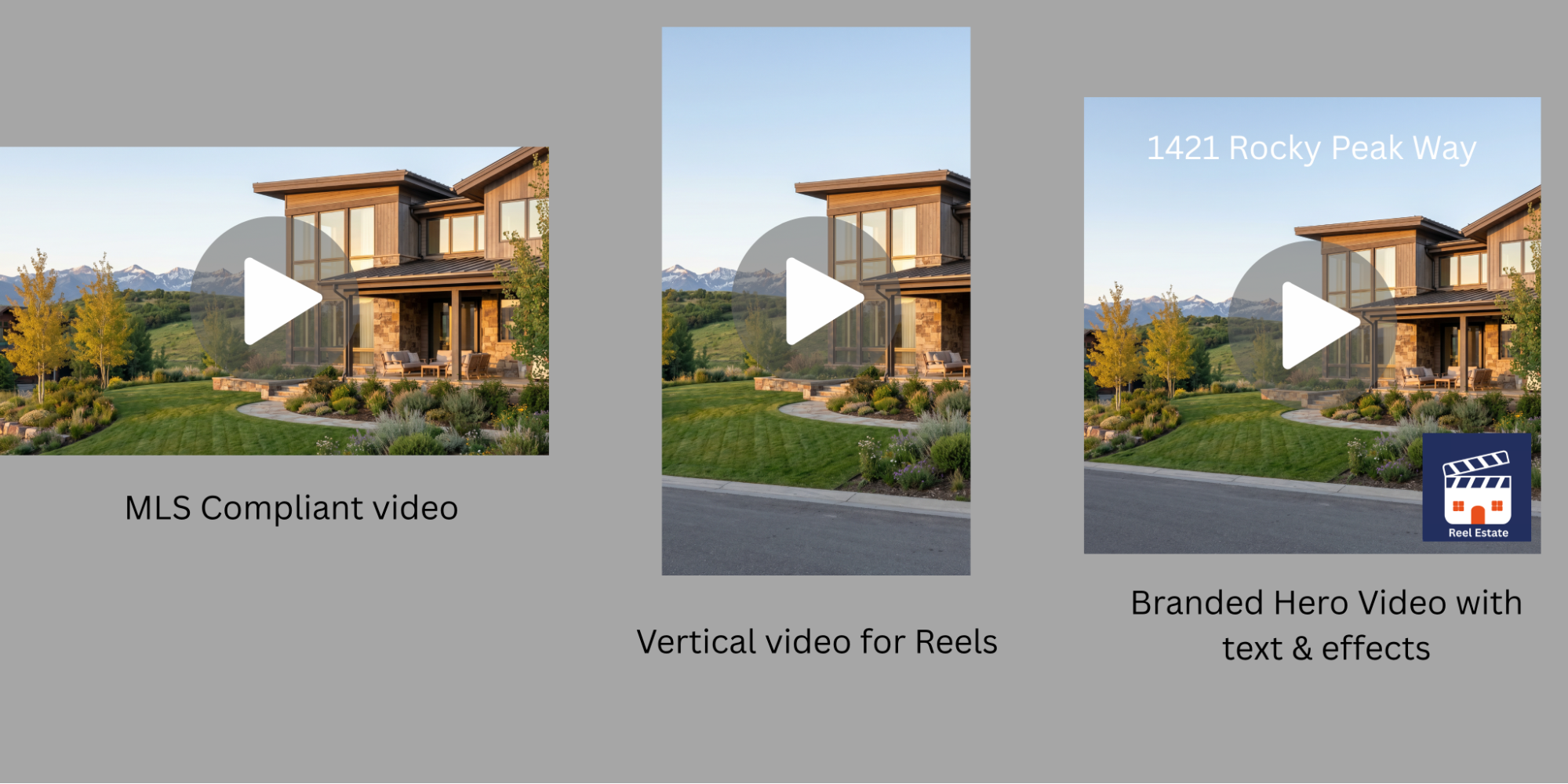
- Export both versions — one optimized for Instagram Reels (vertical) and one for the website (horizontal)
Outcome: Within 20 minutes, the agent produces two professional videos — one optimized for engagement on social media and another tailored to listing exposure.
FAQs About the New Editor and Real Estate Video
Q: Do I still need professional videography if I use a full video editor?
A: Professional videography adds cinematic quality, but the Reel Estate full video editor helps you generate engaging videos quickly from photos — often at a fraction of the cost and time required for full production.
Q: Will these videos work on social media like Reels or TikTok?
A: Yes. Most editors support multiple aspect ratios (vertical for social, horizontal for MLS) and include real-time previews so you know how they will look before you publish.
Q: How much time will I save using custom templates?
A: Templates can reduce editing time by 30–60% compared to building each video from scratch, especially when repurposing walkthroughs for different platforms.
Q: Are AI-assisted videos perceived as less authentic?
A: It depends on execution. High-quality editing and thoughtful captions retain authenticity while still leveraging AI to speed creation.
Q: What length is ideal for a listing video?
A: Around 60–90 seconds for walkthroughs; shorter — about 30–45 seconds — for social engagement. The key is pacing and ensuring each scene adds value.
New development and Opportunities
Reel Estate is committed to continuing to provide new, better and more useful tools for real estate agents, and this editor is a big step in that direction! As we continue to develop and deploy these developments, there may be some issues that you uncover while using the platform. We’d like to make this an opportunity for you: if you discover a bug or glitch in our platform, bring it to our attention and we’ll pay in credits for the help!
Key Takeaways
-
Video marketing dramatically boosts listing engagement and inquiries. Listings with video get up to 403% more inquiries. Source: resimpli.com
-
A full video editor gives agents control — real-time preview, advanced audio/text, and templates tailored to real estate.
-
Using structured workflows and templates can save significant time and improve video quality.
-
Videos optimized for both web publication and social media expand reach and buyer engagement.
-
Let us know of any bugs you encounter and we’ll pay a bounty in account credits!
Sources
- Real Estate Video Marketing Statistics, 2025 (resimpli.com)
- Zillow & Listing Video Impact Data (videotour.ai)
- Investor Real Estate Video Trends (gitnux.org)
- Buyer Preferences for Video Tours (zipdo.co)
- AI Video Tools for Realtors (realtytimes.com)
- Template Resources for Video Makers (flexclip.com)
- Why 2025 Will Be the Year of Video Content for Real Estate Marketing (multifocusmedia.com)